

Studer Innotec54 products
Collection →
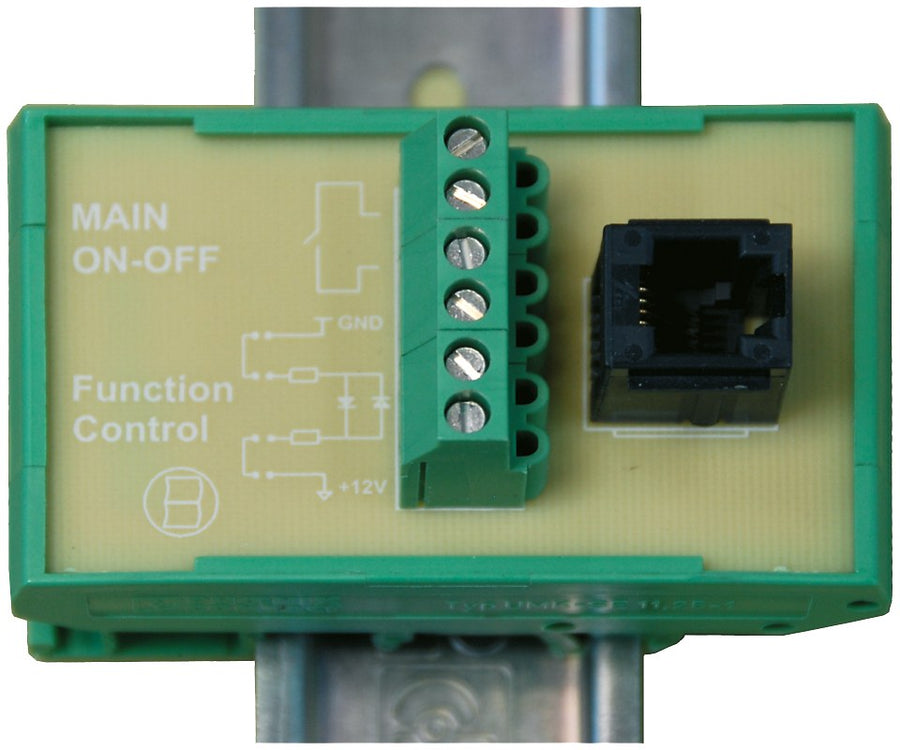


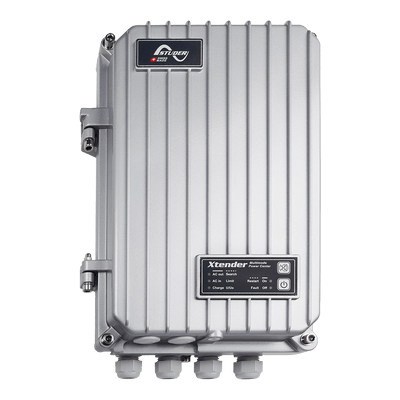
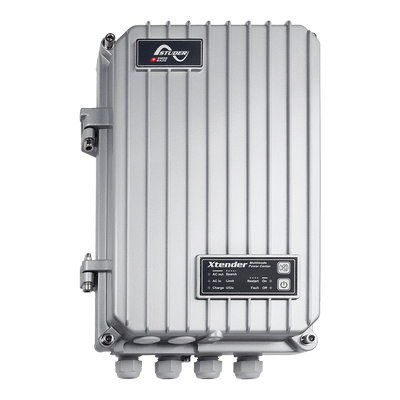


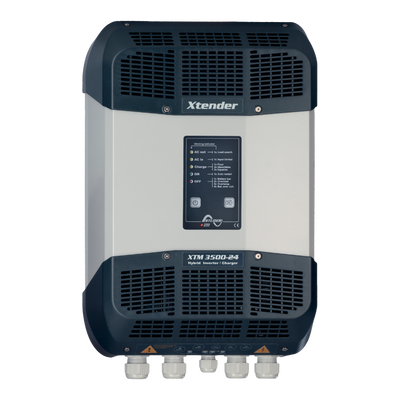
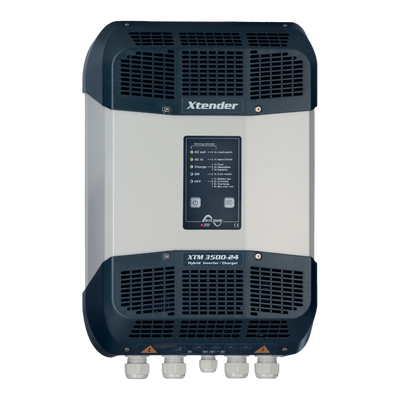
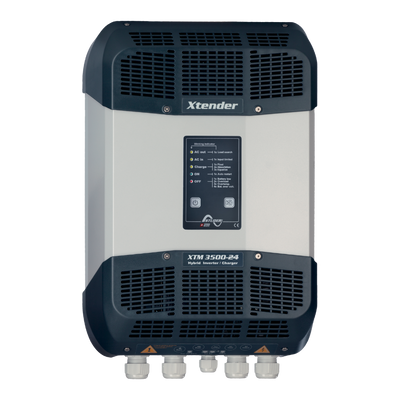
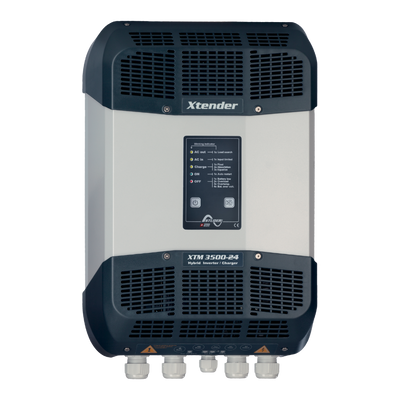
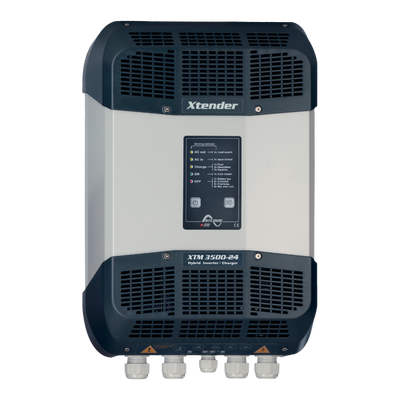


Studer RCM-10 remote command module for Xtender XTS/XTM
€66,95
incl. VAT 25.5%
XTM & XTH only1 remote inputProgrammableNot for XTS
- The RCM-10 adds one programmable remote input to a Studer Xtender XTM or XTH inverter/charger.
- It allows an external switch to turn the inverter on/off or change its operating mode from a remote location.
- The module is intended for XTM and XTH Xtender units only.
- The Xtender XTS already has a remote input built in, so the RCM-10 is not required with that model.
The Studer RCM-10 is a remote command module that adds a remote main on/off and a programmable function input to the Xtender XTS and XTM inverter/chargers. It is not needed with the XTH, which has a remote on/off input built in.
In stock
Free shipping on orders over €100 · Free returns within 14 days
Use cases
Remote on/off
Wire an external switch to turn the XTM/XTH inverter on or off from another location.
Mode switching
Use a remote switch to change the operating mode of an XTM or XTH Xtender.
Helm or panel mount
Place the remote switch at a helm station or distribution panel away from the inverter.
Specifications
Compatible withXtender XTS and XTM (not needed with XTH: remote on/off built in)
FunctionsRemote main on/off, programmable function input
Weight0.35 kg
Studer reference108503
OriginMade in Switzerland
Country of originSwitzerland
Installation guide
1
Confirm Xtender model
Check that the inverter/charger is a Studer Xtender XTM or XTH model, since the XTS already has a built-in remote input and does not need the RCM-10.
2
Plan the remote switch wiring
Decide where the external switch will be mounted and route wiring to the Xtender following the manufacturer's installation manual.
3
Connect and program
Have a qualified installer connect the RCM-10 to the Xtender's remote input and program the desired on/off or mode-switching function.
4
Test operation
Verify that the remote switch correctly turns the inverter on/off or changes mode as intended before closing up the installation.
Compatible products
Studer Innotec
Studer Xtender XTS 1200-24 inverter/charger 1200 VA 24 V
€2.169,00
Studer Innotec
Studer Xtender XTS 1400-48 inverter/charger 1400 VA 48 V
€2.169,00

Studer Innotec
Studer Xtender XTS 900-12 inverter/charger 900 VA 12 V
€2.059,00

Studer Innotec
Studer Xtender XTM 1500-12 inverter/charger 1500 VA 12 V
€3.259,00
Studer Innotec
Studer Xtender XTM 2000-12 inverter/charger 2000 VA 12 V
€3.779,00
Studer Innotec
Studer Xtender XTM 2400-24 inverter/charger 2400 VA 24 V
€3.119,00
Studer Innotec
Studer Xtender XTM 2600-48 inverter/charger 2600 VA 48 V
€2.449,00
Studer Innotec
Studer Xtender XTM 3500-24 inverter/charger 3500 VA 24 V
€3.119,00
Studer Innotec
Studer Xtender XTM 4000-48 inverter/charger 4000 VA 48 V
€3.119,00
